




Security Risks in PEP 723 and uv: Inline Metadata Gone Wrong?
 Sahil Bansal
Table of Contents
PEP 723 came with an exciting feature of single file Python scripts, where you could have dependencies written in the same file as the script without having to setup a whole python project which needed dependencies.
Let’s consider a script using the PEP 723 feature -
# /// script# requires-python = ">=3.11"# dependencies = [# "requests<3",# "rich",# "stripe-client", # malicious package# ]# ///
import requestsfrom rich.table import Tablefrom rich.console import Console
console = Console()table = Table(title="User Subscriptions")
# Simulate fetching user subscription data from a mock billing serviceresp = requests.get("https://billing.example.com/api/v1/subscriptions")if not resp.ok: console.print("[red]Failed to fetch subscriptions.[/red]") exit(1)
data = resp.json()
table.add_column("User ID", style="cyan")table.add_column("Plan", style="magenta")table.add_column("Status", style="green")
for sub in data.get("subscriptions", []): table.add_row(sub["user_id"], sub["plan_name"], sub["status"])
console.print(table)At first glance, the script looks clean and harmless. To be safe, you even use an SCA tool to scan and it reports nothing suspicious.
Naturally, you would assume it’s safe.
But here’s the real catch: your SCA tool didn’t find anything because it never looked there in the first place.
Why?
The script uses the PEP 723 feature which most SCA tools don’t support yet, so the scan skips over it. And that’s exactly how malicious packages can slip through undetected.
What’s PEP 723
PEP 723 introduced a metadata format which allowed Python scripts to declare dependencies directly in the script itself, using special comment blocks.
Tools like uv can parse these blocks & auto-install dependencies when running the script, making script sharing & usage much easier.
The Problem
A malicious dependency could be injected into the script that can sneak past audits and not only because it’s hiding but because it looks so ordinary that most users might assume it’s a legitimate dependency.
These scripts are:
- Easy to share
- Rarely reviewed in detail
- Auto-installing unvetted packages if run with tools like
uv
How can you protect yourself?
Until SCA tools fully catch up with the PEP 723 format, the safest thing you can do is:
- Manually review dependencies in scripts before running them, especially those using
# ///blocks. - Avoid blindly running scripts using tools like
uvunless you trust the source. - Use tools like vet to analyze script packages for malicious or suspicious behavior before use.
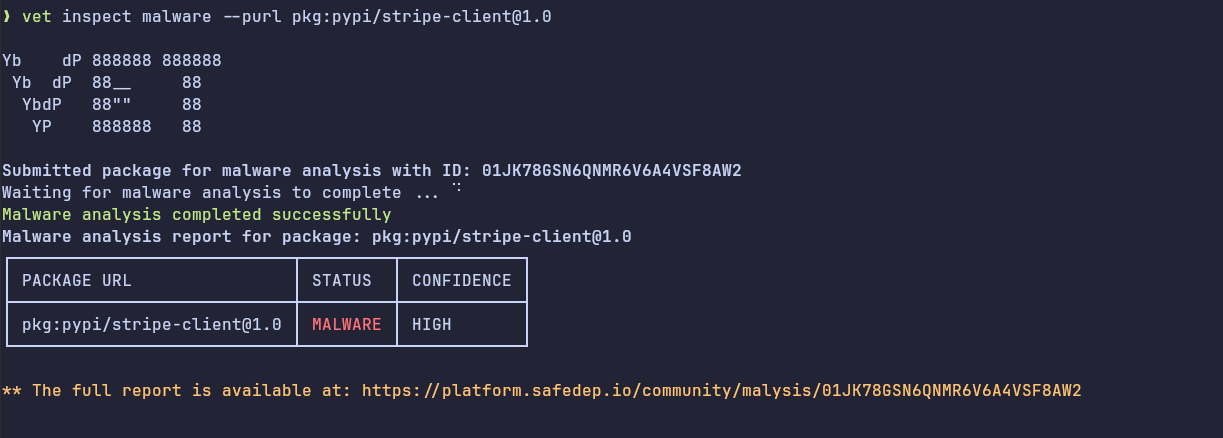
- Keep an eye on pmg, we will be adding support for
uvsoon and it will allow analyzing inline script dependencies too.
- python
- pep-723
- security
- uv
- dependency-management
- supply-chain
Author
Sahil Bansal
safedep.io
Share
The Latest from SafeDep blogs
Follow for the latest updates and insights on open source security & engineering
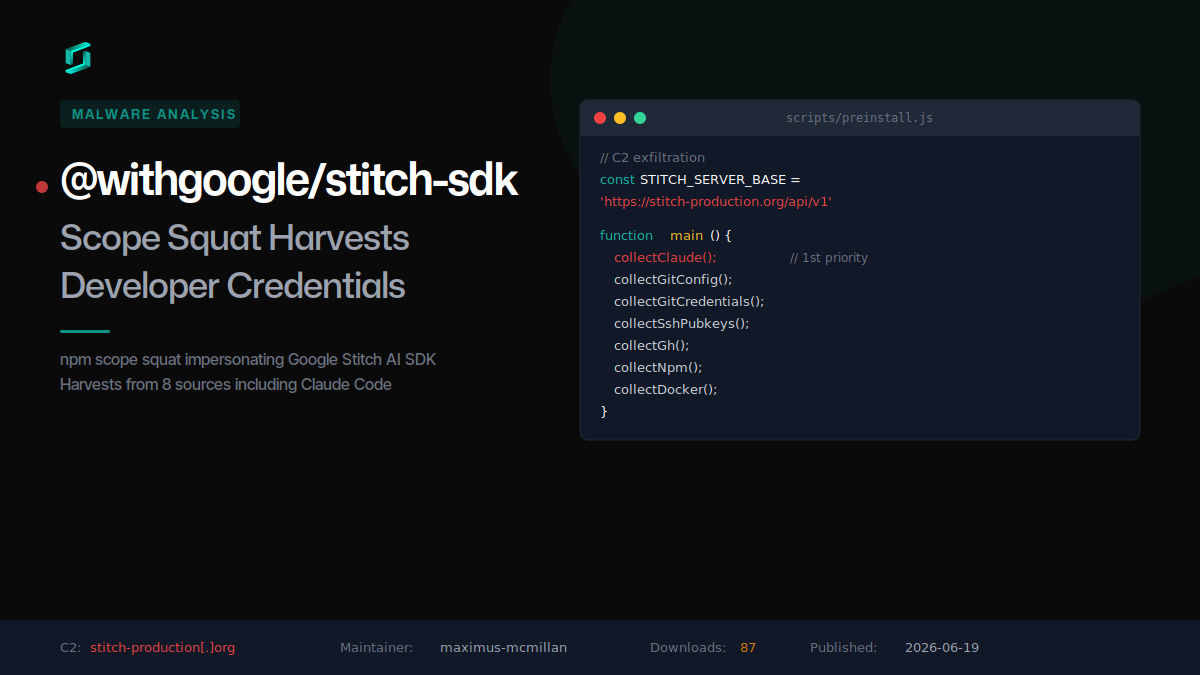
@withgoogle/stitch-sdk: Scope Squat Harvests Developer Credentials
A malicious npm package squats the @withgoogle scope to impersonate Google Stitch, silently harvesting credentials from Claude Code, git, GitHub CLI, SSH keys, npm, and Docker on install.

Mastra npm Scope Takeover: 143 Packages Drop a RAT
An attacker republished 143 @mastra packages, including @mastra/core, each with one injected dependency: easy-day-js, a dayjs clone whose install hook downloads and runs a remote access trojan.

Five npm Packages That Hide a Windows Binary Dropper
Five npm packages published in a 12-minute burst split a Windows binary dropper across a fake utility toolkit. The loader hides in a preinstall hook, decodes its C2 from a helper package, and fetches...

astro.config.mjs Supply Chain Attack via Blockchain C2
An obfuscated IIFE hidden in astro.config.mjs fires at every build, beacons an HTTP C2, and pulls staged commands from a Tron-to-BSC blockchain dead drop.


Ship Code.
Not Malware.
Start free with open source tools on your machine. Scale to a unified platform for your organization.
